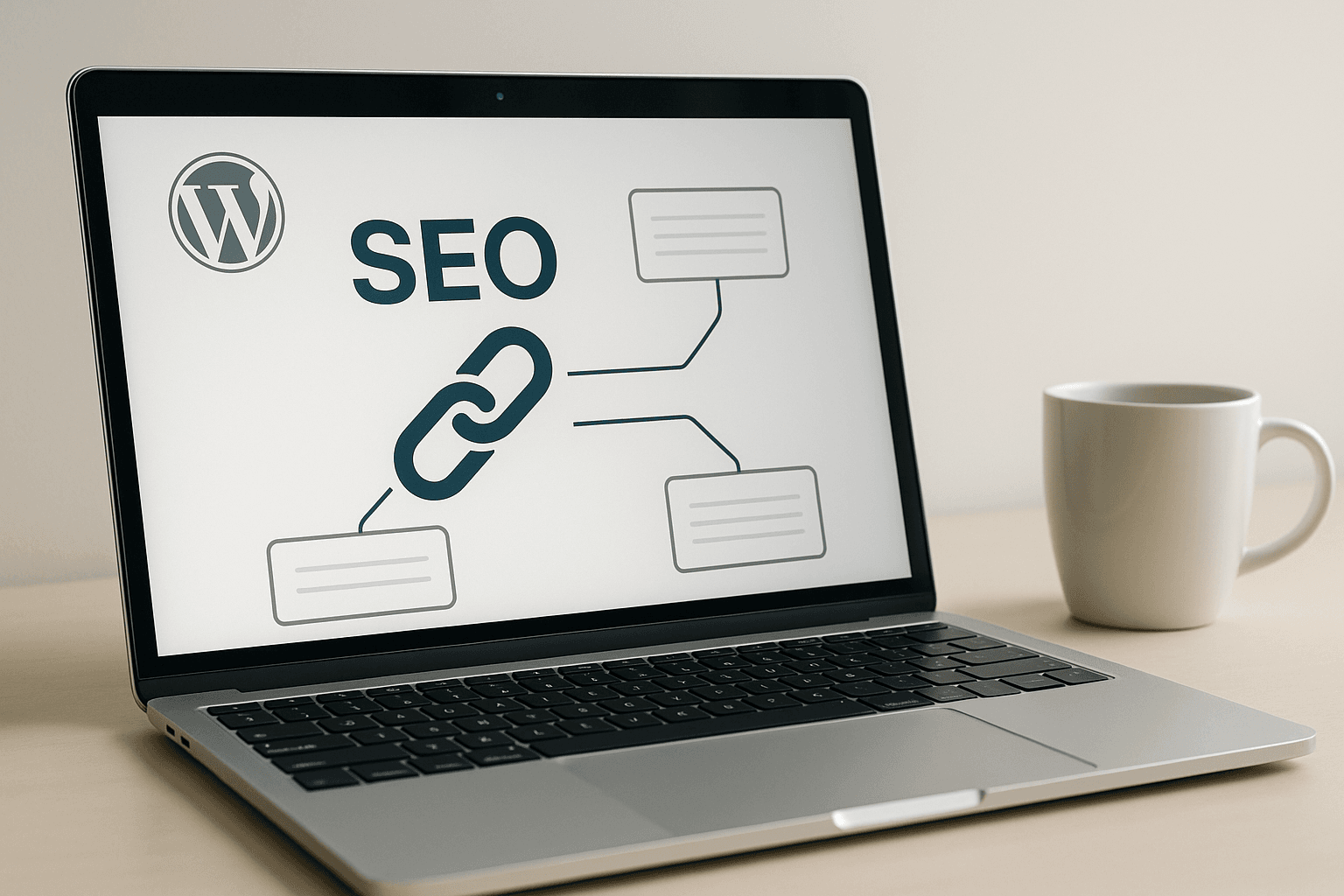
How to optimize WordPress internal linking with AI is really a question of control. If your site has 50 posts, you can do it by hand. If it has 500, you’re either using a system or you’re telling yourself you’ll “get to it later,” which is how orphaned content quietly piles up.
Contents
- How AI internal linking changes the job for WordPress site owners
- What WordPress internal linking actually needs before AI touches it
- Where most AI internal linking setups fall apart
- The WordPress workflow for optimizing internal links with AI
- AI internal linking tools for WordPress: which jobs each one is actually good at
- How to keep AI from wrecking anchor text and relevance
- Internal linking for money pages, pillar pages, and old posts
- What to track after you automate internal links
- AI SEO for WordPress is useful here, but only if you keep editorial control
The practical answer is simple: use AI to find link opportunities faster, then let a human decide which ones actually belong. That’s the part most people miss. AI can scan topic overlap, suggest anchor text, and surface older posts that deserve fresh links. It can’t tell you which pages matter most to the business, which anchors sound awkward, or when a semantically related link still feels wrong on the page. This piece is part of a bigger picture — AI SEO for WordPress in 2026:… covers the full topic.
How AI internal linking changes the job for WordPress site owners
For WordPress site owners, AI changes internal linking from a slow editorial chore into a repeatable workflow. Instead of manually opening every post and hunting for places to point readers next, you can ask a model like ChatGPT or Claude to suggest related URLs, likely anchor phrases, and cluster connections. Tools like Frase and Surfer SEO can help with semantic analysis, while plugins such as Rank Math, Yoast SEO, and AIOSEO are useful when you want those suggestions tied back into your publishing stack.
That sounds minor until you’ve done the manual version on a large site. Then it starts looking like a small mercy.
The upside is scale. AI can process hundreds of posts, spot repeated themes, and keep old content from drifting into obscurity. The downside is that AI has no instinct for editorial hierarchy. It will happily point an article about “best camping stoves” toward a thin comparison post just because the wording overlaps. It will also suggest anchor text that sounds like a robot trying to pass as a copywriter from 2016.
My own view is that the fashionable “link everything automatically” advice is overrated. A site that does that usually ends up with more links and less clarity.
If you run an affiliate site or a content-heavy agency account, that balance matters more than the technology itself. Internal links are a signal of structure. If the structure is weak, AI just makes the mess faster.
What WordPress internal linking actually needs before AI touches it
Before you automate anything, the site needs a shape that makes sense. That means content clusters, real pillar pages, crawlable URLs, and a taxonomy that doesn’t read like someone named categories after lunch. If you have a travel site with categories for “Europe,” “France,” “Paris,” and “Things to Do in Paris,” that may be fine. If every post lives in six overlapping categories because nobody ever cleaned up the taxonomy, AI won’t save you from confusion. For a deeper look at that side of it, see Best AI WordPress Plugins….
If your main articles are buried under messy categories, fix the structure first and automate second.
Internal linking works best when the site already has clear relationships. Pillar pages should sit at the center of a cluster. Supporting posts should point up toward them and sideways to truly related content. Orphaned posts should be identified before they become permanent dead ends. Screaming Frog is still useful here because it shows what AI won’t: crawl depth, orphaned URLs, and weakly connected areas of the site.
AI should sit on top of that structure, not replace it. If your permalinks are broken, your categories are sloppy, or your important pages are buried five clicks deep, the model will simply distribute links across a bad architecture with impressive confidence. That’s not optimization. That’s busywork with better grammar.
Where most AI internal linking setups fall apart
The first failure mode is over-linking. Some tools get enthusiastic and want to insert links everywhere because every sentence seems semantically related to something else on the site. That makes pages feel machine-made fast. Readers notice it, and so does Google when the links stop looking editorial.
The second failure mode is repetitive anchors. If every suggestion turns into “best SEO plugin,” “WordPress SEO plugin,” or a near copy of the same phrase, the page starts to look manipulated. Partial-match anchors and natural language usually hold up better because they sound like something a real person would write while trying to help another real person.
The third problem is worse: AI often prefers weak pages simply because they sit nearby in semantic space. A post with almost no search value can look like the perfect match. That’s fine if you only care about tidy topic clusters. It’s a problem if you want authority flowing toward the pages that actually matter.
Commercial intent gets ignored too often. An internal link from an informational post to a money page can be useful if it belongs there naturally. Forcing that link into every article just because the model spotted a keyword connection is how sites start sounding like every paragraph got approved by accounting.
The WordPress workflow for optimizing internal links with AI
The workflow I trust starts with an audit. Pull your current posts into Screaming Frog, check Search Console for pages already getting impressions, and identify the posts that deserve support first. Those are usually your pillar pages, category leaders, comparison posts, and any page sitting on the edge of ranking movement. If you use Rank Math or AIOSEO, their built-in reports can show where internal links are thin, but I still prefer an external crawl because it shows the whole site instead of just the plugin’s view.
Then ask AI for candidate links, not final links. ChatGPT and Claude are good at this if you give them enough context: current URL, target page list, topic summary, and the kind of anchor text you want to avoid. Frase and Surfer SEO can help find semantically related terms, which is useful when you’re working through long articles and don’t want to read every post twice.
Next, review the anchors by hand. This is where most people get lazy. Don’t. Every link should make sense in the sentence it lives in, and the surrounding paragraph should still read naturally if you remove it. If the insertion feels stapled on, delete it.
Then publish or update in batches. If you’re touching old content at scale, keep the process boring: audit, suggest, review, update, move on. Tools like MrNiche Autoblogger Pro handle this kind of link-aware publishing automatically in the background when you’re dealing with new content at scale, but even then the same rule applies: automation should speed up judgment, not replace it.
One direct question comes up a lot: Should I let AI insert links automatically? Sometimes yes, mostly no. For tightly controlled sites with stable clusters and strict rules around target pages, partial automation can work. For affiliate sites with money pages, product comparisons, and old articles written across several content eras, I’d keep a human in the loop every time.
AI internal linking tools for WordPress: which jobs each one is actually good at
Different tools do different jobs well, and pretending otherwise is how people end up paying for software they barely use. Rank Math and Yoast SEO are good for SEO workflow inside WordPress because they help with meta data and can sit close to your publishing process. AIOSEO gives similar value for site owners who want SEO checks inside the dashboard without bouncing around between tabs.
ChatGPT and Claude are strongest at idea generation and pattern recognition when you feed them clean inputs. They’re useful for finding candidate targets and alternate anchor wording, especially if you already know which posts matter most.
Frase and Surfer SEO are better when you want semantic coverage and content-level analysis rather than bare suggestions. They’re decent at exposing what your article talks about versus what your cluster already covers. (Related: AI WordPress plugin for…)
If you want execution during publishing rather than suggestions after the fact, automation plugins matter more than standalone writing tools. AI Engine fits nicely into WordPress workflows where you want more control over prompts and on-site automation. The split is pretty simple: some tools help you decide; others help you ship.
How to keep AI from wrecking anchor text and relevance
Anchor text rules that keep links looking human
Keep anchor text varied. Use partial-match phrases, natural nouns, and short descriptive text instead of repeating exact keywords like a broken autocomplete box. If every link uses the same phrase, readers will feel it immediately, even if Google tolerates some repetition.
A good anchor usually sounds like something you’d actually say out loud while recommending another article: “this comparison guide,” “the checklist above,” “our category hub,” or “the post on schema markup.” Exact-match anchors have their place, but they’re not the default setting. AI WordPress SEO mistakes… covers this in more depth.
Relevance checks before you insert the link
Ask two questions before adding any link: does this page genuinely help the reader here, and does this target page deserve more visibility? If the answer to either one is weak, skip it.
AI will often find topical similarity where an editor sees clutter. That’s normal. Similarity isn’t enough on its own. A link should improve navigation or support a decision path. If it only exists because two articles share three keywords, leave it out.
When to skip a link even if AI suggests one
Skip links that interrupt flow, repeat an idea already explained in the same section, or push readers toward low-value pages just because those pages happen to be available. Also skip links when the target page is old, thin, or no longer aligned with how you position the site now.
That last one matters more than people admit. A model can’t tell whether a post should stay visible just because it exists.
Internal linking for money pages, pillar pages, and old posts
Pillar pages should receive links from supporting content regularly because they act as structural anchors for the cluster. Money pages need support too, but more carefully. A money page stuffed with internal links from unrelated articles starts to look forced fast. The safer move is to support commercial pages from genuinely adjacent informational content where the reader has already signaled intent.
Older posts are often where AI earns its keep fastest. A forgotten tutorial from two years ago may still be relevant if it gets linked from new content again. AI can surface those posts quickly by matching themes across your archive.
The danger is that it will also resurrect weak pages that should probably stay quiet. That’s why rules matter more than volume. I’d rather have ten clean links pointing into a strong cluster than thirty links spread across half-dead articles that only exist because nobody deleted them yet.
What to track after you automate internal links
Crawl depth and orphan pages
Use Screaming Frog or similar crawlers to see whether important pages have become easier to reach from the homepage and main hubs. Orphan pages should shrink if your linking system is working properly.
Clicks to target pages
Search Console will show whether linked pages are getting more clicks from internal paths worth caring about. You can also watch whether users actually move deeper into the cluster after landing on a supporting article.
Indexing and ranking movement on linked clusters
Rank Math and AIOSEO can help monitor SEO health inside WordPress, but rankings still need patience and context. Don’t pretend one batch of links caused every movement in Search Console. What you want to see is better discoverability and cleaner flow across connected articles.
If nothing changes after weeks of cleaner linking, that tells you something too: maybe the cluster needs better content before it needs more links.
AI SEO for WordPress is useful here, but only if you keep editorial control
AI SEO for WordPress works best when it supports judgment instead of replacing it. Internal linking is one of the cleaner places to use AI because the task repeats across every site: find related pages, choose anchors, decide priority, repeat at scale. The machine can sort through the pages faster than any editor can.
The editor still decides what matters. That means picking which pages deserve authority, which anchors sound natural, which sections should stay untouched, and which suggestions belong in the trash bin with the other efficient mistakes.
If your site has grown past casual maintenance size, this is one of those areas where process beats talent every day of the week. Clean clusters beat scattered brilliance because readers can actually move through them without guessing where they should click next.
Pick one content cluster on your WordPress site this week, run an AI-assisted internal link audit on just those posts, and manually review every suggested anchor before publishing the changes using AI SEO for WordPress. If that one cluster gets cleaner, you’ll have a repeatable workflow for the rest of the site — and that’s where the real gain lives.