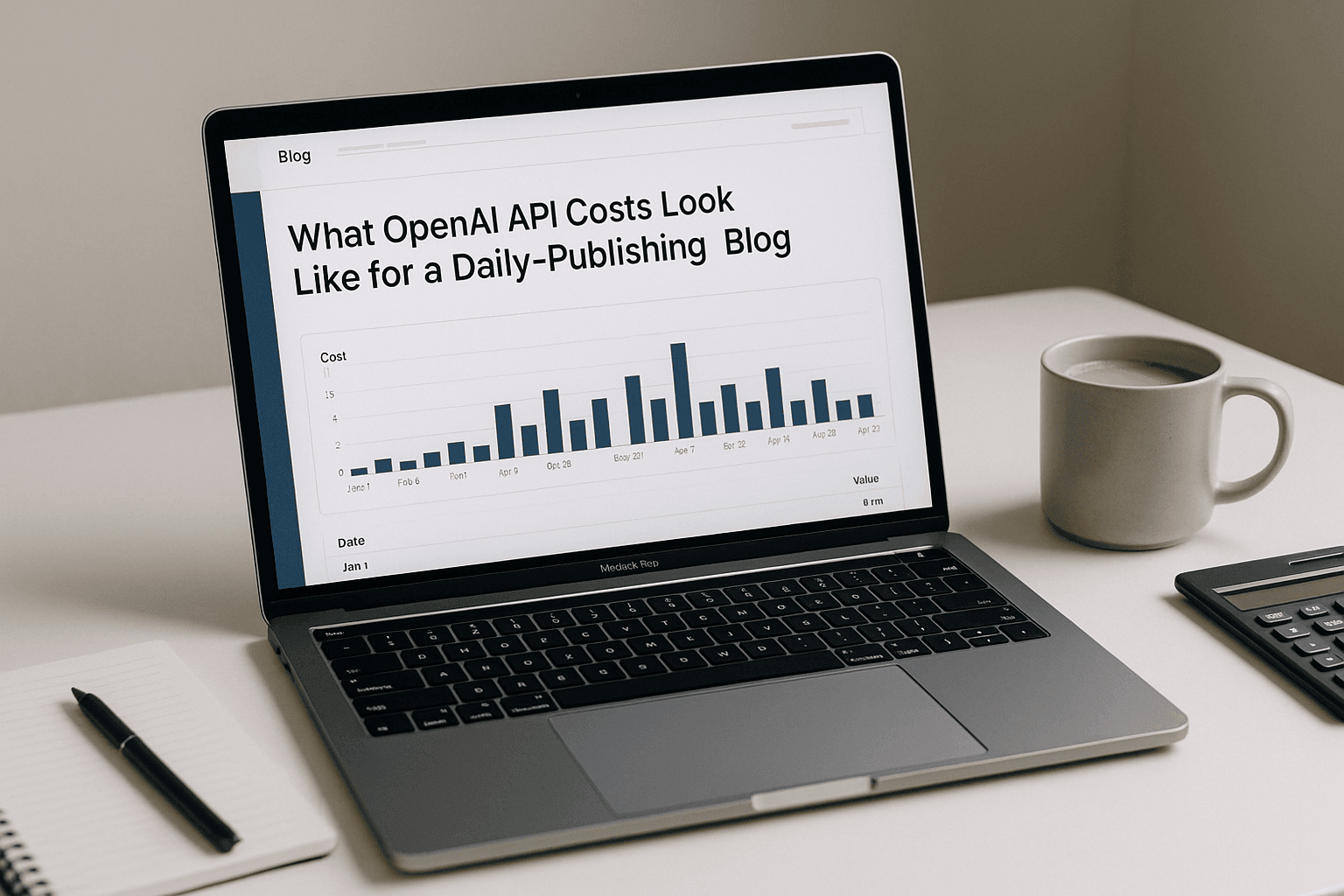
It wasn’t. The drafts were cheap; the second and third passes were where the number started to matter.
📋 In this article:
- What OpenAI API costs look like for a daily-publishing blog
- Where the bill really grows: tokens, retries, and extra passes
- Model choice changes the math faster than most people think
- What a monthly OpenAI API budget looks like at 1, 3, and 10 posts a day
- OpenAI API costs vs WordPress publishing tools
- Where most daily-publishing plans fall apart
- What to track before you scale the publishing schedule
That’s the real answer to what OpenAI API costs look like for a daily-publishing blog: they’re usually modest at first, then they creep up through workflow design. If you publish one post a day, the API often stays boring. If you run draft, rewrite, summary, title, FAQ, image prompt, and metadata generation on every post, the bill turns into a line item you’ll notice.
What OpenAI API costs look like for a daily-publishing blog
For a daily-publishing blog, the cost is rarely one neat “per article” number. It’s a stack of small charges tied to whatever your process asks the model to do. Drafting costs one amount. Rewriting costs another. SEO title and meta description generation adds a little more. Image prompts, FAQ blocks, internal linking suggestions, and cleanup passes each add their own slice.
That’s why two sites using the same model can land in very different places. A lean workflow that produces one draft and publishes it after light editing can stay cheap. A heavier workflow that generates an outline, full draft, humanized rewrite, social summary, FAQ schema text, and image prompt for every post will cost more even if each individual call looks trivial.
The headline price of the model matters, but process matters more. Daily publishing magnifies both good habits and sloppy ones.
Where the bill really grows: tokens, retries, and extra passes
The first thing to watch is token usage. Longer prompts cost more because you’re sending more context into the model. Longer outputs cost more because the model has to generate more text. If you ask for a 1,800-word article, then feed that article back in for a rewrite, then ask for a second rewrite because the tone feels off, you’ve already moved from “cheap content” to “why is this monthly bill annoying me?”
Retries are the silent budget killer. A lot of publishing workflows fail in small ways: a draft comes out thin, a heading looks awkward, the intro sounds generic, or the FAQ section needs another pass. Each fix means another API call. Once you start asking the model to correct its own work, you pay for the original output and the cleanup. Daily publishing multiplies that fast.
Tools like MrNiche Autoblogger Pro handle multi-step publishing automatically, but the cost still depends on how many API calls your workflow makes. That’s the part people miss when they compare “cheap model” versus “expensive model” in isolation. A cheaper model used five times can cost more than a stronger model used once.
There’s also a trap with long context windows. It feels smart to keep stuffing in old drafts, brand notes, product pages, and SEO instructions so the model “knows everything.” Sometimes that helps. Sometimes it just increases spend and makes the output less focused. The cleaner approach is usually a tighter prompt with fewer moving parts.
One short sentence here: repetition gets expensive.
Model choice changes the math faster than most people think
If you’re pricing OpenAI API costs for a daily-publishing blog, model choice is where things change quickly. OpenAI’s gpt-5.4-mini sits around $0.0036 per 1K tokens blended, which is why it makes sense as the default for routine writing work. OpenAI gpt-5.4 is around $0.0125 per 1K tokens blended, and gpt-5.5 is around $0.0250 per 1K tokens blended. That spread matters when you publish every day.
The practical answer is to stop treating one model like the default for everything. Use cheaper models for titles, summaries, meta descriptions, and internal linking suggestions. Keep stronger models for long-form drafts, sensitive rewrites, and anything that needs better judgment around nuance and structure. ChatGPT and Claude belong in the mix too, but in a WordPress publishing pipeline, task fit beats brand loyalty every time. For a deeper look at that side of it, see Why AI Content Automation….
The lower-cost gpt-5.4-nano tier sits at roughly $0.0010 per 1K tokens blended. That’s useful for very lightweight jobs where you want quick text and don’t care much about polish. It won’t carry a serious article pipeline on its own without more editorial work later.
OpenAI retired gpt-4o, gpt-4o-mini, gpt-4-turbo, gpt-4, and gpt-3.5-turbo from the API on Feb 16, 2026, so old pricing assumptions can go stale fast. The same goes for image models: OpenAI retired DALL·E 2 and DALL·E 3 on May 12, 2026, and the gpt-image family replaced them. If your publishing stack still assumes older IDs will keep working forever, that assumption already got burned once.
What a monthly OpenAI API budget looks like at 1, 3, and 10 posts a day
The cleanest way to budget is by volume and workflow depth. A site publishing one article a day can often keep API spend low enough that it barely shows up. At three articles a day, costs start to matter because even small per-article charges pile up into something you notice every month. At ten articles a day, workflow discipline stops being optional.
If you’re using a simple drafting flow with gpt-5.4-mini and only a few follow-up calls per post, your monthly spend can stay modest. Add humanization passes, SEO metadata generation in Yoast SEO or Rank Math, FAQ text, image prompts through OpenAI’s image models or another provider, and internal linking suggestions, and the number climbs fast. A blog that looks “cheap per post” can still get expensive across 30 or 300 posts.
Low-volume blog: one post a day
This is where most niche-site operators should start if they’re still testing AI-assisted publishing. One post a day gives you enough volume to learn what actually costs money without putting your margin under pressure. With gpt-5.4-mini as the default text model, daily publishing can stay fairly tame as long as you resist the urge to rewrite everything twice.
The risk at this volume is overengineering. A single post doesn’t need six generations because the opener felt flat. You’ll get farther by tightening prompts and cleaning your editorial checklist than by throwing more calls at the problem.
Mid-volume blog: three posts a day
At three posts a day, publishing becomes routine instead of experimental. That’s when API usage starts behaving like rent rather than coffee money. You’ll probably still be fine if your workflow is disciplined, but poor prompt design shows up fast here because small inefficiencies repeat three times a day instead of once.
This is also where people find out they’ve been paying for convenience in hidden ways. Every extra rewrite call, every regenerated headline set, every “make it sound more natural” prompt adds up. If your process includes content refreshes or AI-generated FAQs on top of new posts, budget for that explicitly instead of treating it as free garnish.
Most three-post-a-day setups should cap rewrites at one pass per article; beyond that, the marginal polish usually costs more than it returns.
High-volume blog: ten posts a day
Ten posts a day is where sloppy systems start hurting. At that point you’re running a production line, whether you admit it or not. Small per-article costs become material because they repeat constantly, and heavy workflows can end up costing more than a human editor would have in the first place.
This is also where quality slips get expensive in a different way. Thin posts create cleanup work later. Weak articles need manual correction before publication or after indexing. If you’re paying for SEO tools like Surfer SEO or Frase on top of the API bill, plus hosting and maybe an editor’s time, then “cheap AI content” stops sounding cheap pretty quickly.
OpenAI API costs vs WordPress publishing tools
OpenAI API costs sit inside a bigger WordPress budget that already has plenty of moving parts. Hosting comes first. Then maybe a premium theme or builder like Elementor. Then SEO plugins such as Yoast SEO, Rank Math, or AIOSEO. Add image sourcing through Unsplash or AI image generation through OpenAI’s gpt-image family if your workflow needs featured images. For a deeper look at that side of it, see How to Choose AI….
The mistake is treating AI spend as the whole budget conversation when it’s only one line item. A site can save time with automation and still lose money if it piles on too many tools or publishes content that needs heavy cleanup afterward. I’d rather see a site publish fewer solid posts with controlled spend than crank out junk because the marginal cost looked tiny.
There’s also an operational cost people ignore: attention. Every extra system in your stack wants maintenance, updates, logins, or settings tweaks. Even something as simple as auto-injecting meta descriptions into Rank Math or Yoast SEO becomes part of the workflow once you scale volume. That’s fine if you plan for it. It’s annoying if you discover it after your queue has already grown teeth. AI Publishing Tools vs… covers this in more depth.
Where most daily-publishing plans fall apart
The most common failure mode is simple: people confuse more output with better business. Publishing daily can work well for niche sites and affiliate blogs when there’s real topic discipline and enough editorial control behind it. It goes sideways when the schedule becomes an excuse to ship thin articles no one asked for.
Another failure point is endless regeneration. “Just one more rewrite” sounds harmless until you’ve run three extra calls on every post and still don’t like the result. That habit is expensive because it hides inside productivity language. You think you’re improving quality; you’re often just burning budget on indecision.
I don’t buy the usual advice that every daily blog should aim for maximal automation from day one; that usually creates more cleanup than savings.
Plugins such as AI Engine, Bertha AI, GetGenie, or Jasper can fit into these workflows just fine. The problem isn’t the plugin category. The problem is whether your publishing process has any limits at all.
One other thing: if your content requires heavy human editing before it’s fit to publish, then your true cost isn’t just API spend anymore. It’s API spend plus editorial labor plus opportunity cost plus whatever you paid for hosting and SEO tools because those bills still want their turn at the table.
What to track before you scale the publishing schedule
If you want control over OpenAI API costs, track four things before you scale: cost per published post, number of API calls per article, average tokens per post, and how often articles need manual correction before they go live. Those numbers tell you more than any shiny model announcement does.
I’d also keep an eye on whether your workflow is producing publish-ready drafts or draft-shaped raw material. That distinction matters because it changes both cost and reputation risk. A bad article that’s cheap to generate is still a bad asset.
- Cost per published post: include drafting, rewrites, and any image or metadata calls.
- API calls per article: count them honestly; hidden retries are usually where budgets drift.
- Average tokens per post: long prompts and long outputs both push spend upward.
- Manual correction rate: if every article needs rescue work, your automation isn’t saving much.
This week, audit one week of published posts and count every AI call from idea to publish. Then decide whether your current OpenAI API costs are buying useful output or just an overcomplicated habit you can trim without hurting quality.