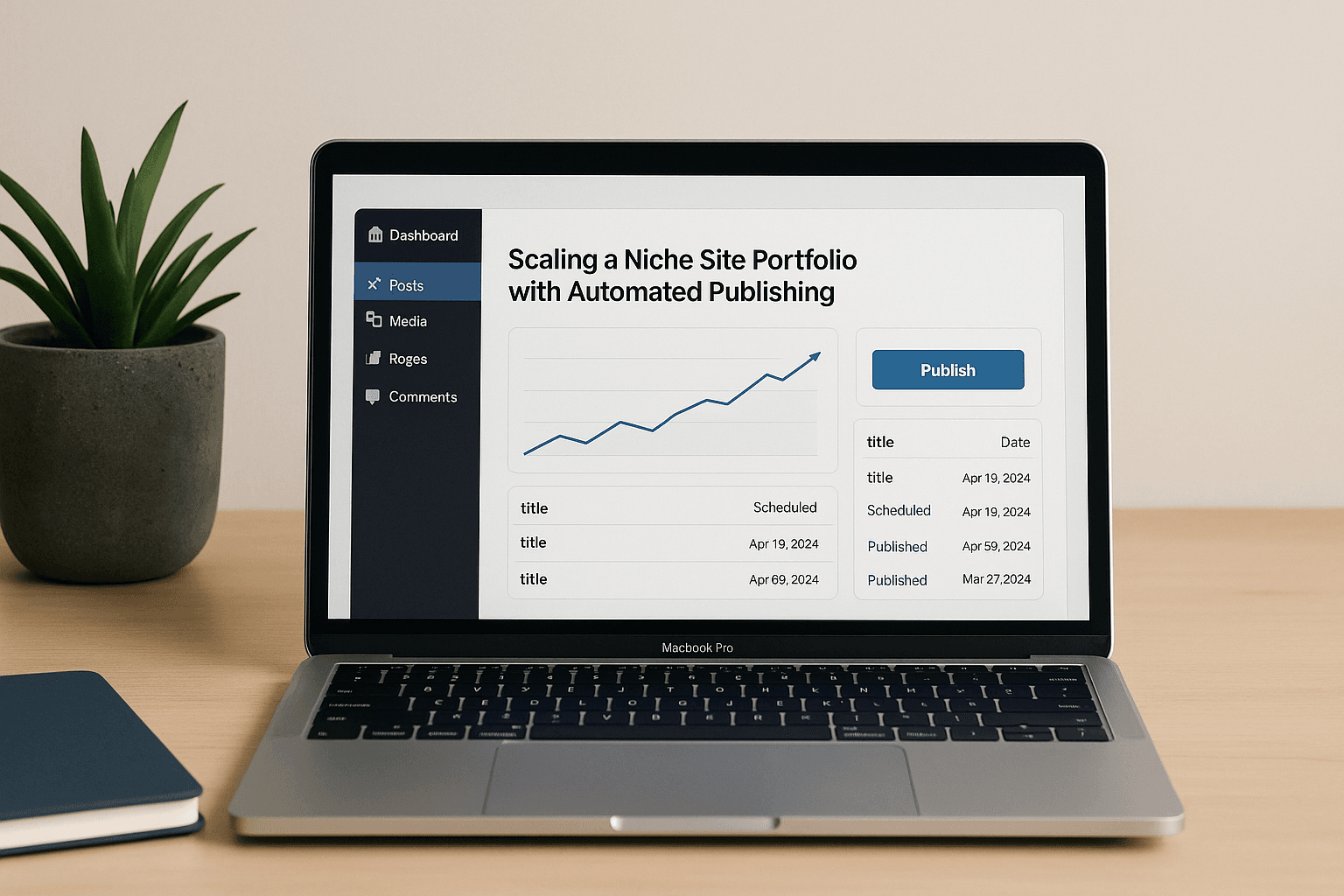
Scaling a niche site portfolio with automated publishing usually falls apart at the same point: the third or fourth site starts looking suspiciously like the first. The titles change, the category labels change, and the content still sounds like it was pushed through one very tired template. If you’re trying to scale a niche site portfolio with automated publishing, the real problem is control, not output. You need more articles, sure. You also need a way to avoid filling five domains with the same half-baked ideas wearing different hats.
📋 In this article:
- Why scaling a niche site portfolio with automated publishing breaks faster than people expect
- What automated publishing actually does in a portfolio workflow
- Where most portfolio operators save time — and where they create new messes
- Portfolio structure that keeps automated publishing from turning into chaos
- The tools stack that usually makes sense
- What to track before you add another site to the machine
- How to scale without making every site sound like the same AI wrote it
- When automated publishing is the wrong move
Why scaling a niche site portfolio with automated publishing breaks faster than people expect
Yes, automated publishing can help you scale. That part’s easy. The harder question is whether your portfolio can absorb the extra output without turning into thin-content drag across every domain you own. WordPress Autoblogging in 2026:… covers this in more depth.
The moment you move from one site to several, inconsistency starts showing up everywhere. One property gets decent briefs and careful internal links. Another gets templated posts that repeat the same angle with slightly different nouns. A third quietly collects articles nobody would be comfortable putting on a client’s brand page. Search engines are very good at spotting when your “fresh content” is just the same structure in a new costume.
That’s where thin-content risk creeps in. So does duplicate-angle risk. Then comes the classic portfolio mistake: publishing 300 posts and learning almost nothing because nobody bothered to separate what worked from what merely shipped.
Automation makes bad decisions faster. That’s the whole deal.
What automated publishing actually does in a portfolio workflow
In practice, automated publishing is just a chain of smaller jobs that used to eat your day: topic discovery, brief generation, drafting, editing, image handling, scheduling, and post-publish checks. If you run multiple WordPress sites, you already know the ugly truth. The bottleneck is rarely “can WordPress publish this?” It’s everything that has to happen before and after the post goes live. (More on this in AI Publishing Tools vs….)
A sane workflow starts with topic intake. You decide which site deserves which topic, group related keywords, and keep one property from swallowing every good idea in the portfolio. Then comes drafting, where AI can handle the repetitive first pass without forcing you to write every paragraph yourself. After that, humanization and editing matter more than most operators admit. A post that sounds only slightly off on one site becomes obvious when you multiply it across twenty.
Tools like MrNiche Autoblogger Pro handle the publishing side automatically, queueing articles in the background so you’re not babysitting every post like it’s a launch-day product page. That kind of automation matters because WordPress itself doesn’t care whether you’re managing one blog or fifty. Your nervous system does.
Topic intake and keyword grouping
This is where portfolio scaling succeeds or dies. If you’re feeding each site random keywords as they come in, you’re not running a system. You’re running a pile of tabs and hope. Good topic intake means clustering keywords by search intent and by site purpose. Informational support content belongs one place. Commercial pages belong another. Mixed-intent pages need more care than most people want to give them.
Topic groups also stop your sites from cannibalizing each other. If two domains are chasing the same angle with near-identical article structures, neither gets enough distinctiveness to matter. (See also: Why AI Content Automation…)
One rule of thumb clients can actually use: if two URLs could swap domains without anyone noticing, the plan needs another pass.
Draft creation and editorial shaping
Drafting is where AI earns its keep, provided you don’t ask it to pretend it understands your business model better than you do. ChatGPT and Claude are fine at first drafts, outline expansion, and variant generation. Surfer SEO or Frase can help keep an article pointed at the right query shape instead of drifting into generic filler.
But editorial shaping still matters. A draft needs a point of view, a proper heading structure, and enough distance from your other properties that it doesn’t read like portfolio wallpaper. Reusing the same prompt across six domains will give you six bland cousins eventually. That’s my objection to the common “just standardize everything” advice: standardization helps operations, but it also produces sameness fast if nobody is guarding the edges.
Scheduling, interlinking, and publishing in WordPress
This part sounds boring until it breaks. Scheduling should keep batches from going live all at once, especially if you’re on shared hosting or running multiple linked properties. Internal linking matters too; Rank Math and Yoast SEO can handle parts of the on-page work, but the wider linking pattern still needs to be planned across the site.
If your workflow can insert contextual internal links automatically, good. If it can also vary anchor text without making every link sound machine-written, even better. Publishing logistics are the least glamorous part of scaling a niche site portfolio with automated publishing, which is exactly why people get them wrong.
Where most portfolio operators save time — and where they create new messes
The time savings are real. So are the new messes. Automation is great at removing repetitive work, but it also removes some of the friction that used to warn you an idea was weak before it went live. That friction had value. It forced you to pause.
The most common mess is repetitive structure. Same intro rhythm, same heading order, same conclusion shape, same “helpful” tone across every post and every site. The second mess is overreliance on the same prompts. Once you find a prompt that “works,” it gets tempting to use it everywhere until every post sounds like a mildly caffeinated help article.
Then there’s weak topical differentiation across domains. One site becomes a clone of another because both were built from the same keyword list and the same monetization idea. That feels efficient right up until rankings stall and you realize Google doesn’t owe you credit for effort.
Publishing faster doesn’t fix a bad portfolio design.
The temptation to scale before a site has earned the right to scale is strong because automation makes scale feel cheap. Cheap isn’t free. It just moves the bill somewhere else.
Portfolio structure that keeps automated publishing from turning into chaos
A portfolio works best when each site has a clear job. One domain might exist to catch informational traffic and feed affiliates later in the funnel. Another might focus on commercial intent and comparison pages from day one. A third might be better off publishing less often because its niche is narrow and its best opportunities are deep rather than broad.
That structure matters because automation tends to flatten everything into the same content shape if you let it. The fix is separation by intent, monetization model, and topical depth. Don’t make every site chase a weekly cadence just because your queue can push one out that often. Some sites need clusters around one pillar topic and careful supporting content. Others need a lighter touch with stronger pages and fewer but better updates.
WordPress gives you plenty of ways to keep this sane: categories for broad intent buckets, custom post types for content that doesn’t belong in standard blog posts, editorial roles for who approves what, and internal linking rules that differ by site instead of by superstition. If you centralize too much, every property starts sounding like it was produced by one committee with no taste for nuance. If you decentralize too much, nobody knows what got published where.
The sweet spot is usually central control over standards and per-site control over topic shape. That’s dull advice, but dull systems survive.
The tools stack that usually makes sense
You do not need one magical app that handles everything. You need a stack that keeps each layer doing its own job without stepping on the others’ feet.
For drafting and ideation, ChatGPT and Claude are still the obvious starting points. They’re flexible enough for outlines, variants, and full drafts when you need them. GPT-5.4-mini is a practical default for text-heavy production if you’re watching costs closely, while GPT-5.4 or GPT-5.5 make more sense when quality matters more than volume and your process can justify the spend. If images matter, DALL·E 3 is gone as an API option now anyway; gpt-image models replaced it on OpenAI’s side, while Unsplash still does what Unsplash has always done: provide usable real photography without drama.
For on-page quality checks, Rank Math and Yoast SEO keep meta descriptions, focus keywords, and titles from becoming an afterthought. Surfer SEO and Frase sit one layer above that as content guidance tools. Elementor belongs in the stack only if page-building really matters to your workflow; otherwise a lighter theme setup usually keeps things cleaner and faster.
WordPress automation plugins handle scheduling and publishing logistics while SEO tools handle signals and structure. That separation matters more than most people think. A pipeline is easier to control than one big do-everything blob pretending to be strategy. Tools like MrNiche Autoblogger Pro handle the publishing side automatically, which is exactly where most workflows get messy.
Drafting and ideation tools
Use ChatGPT or Claude for topic expansion, outline generation, content variants, and rewrites between sites that need different tones or angles. If you’re generating lots of articles from title lists or clustered keywords, keep your prompts specific to each site’s purpose so your drafts don’t all come out wearing the same shoes.
SEO and on-page quality checks
Rank Math and Yoast SEO help with metadata and basic on-page hygiene. Surfer SEO or Frase can guide topical coverage when you need more than a gut feeling about what should be in an article. These tools are useful guardrails, not truth machines.
WordPress publishing and workflow automation
This is where automation pays off most visibly: queueing posts, spacing them out by day or category, handling background publishing through WordPress cron instead of forcing manual uploads, and keeping a portfolio from becoming an admin job disguised as media business.
What to track before you add another site to the machine
The easiest thing to track is volume. The least useful thing to celebrate is volume alone. Before adding another site to your automated workflow, look at indexation quality first. Are pages actually getting indexed cleanly? Are they stable once indexed? Or are they bouncing around because they’re too similar to everything else in your network?
Then check ranking stability on key pages rather than vanity totals across the whole site. Watch click-through rate on pages that should be earning traffic but aren’t pulling their weight yet. Look at content uniqueness across domains and within each domain; if your portfolio has three versions of the same buying guide, you’ve created internal competition for no good reason.
Internal link depth matters too. A page sitting alone with no meaningful links around it usually stays lonely for a reason. And don’t forget monetization path clarity. If a site has traffic but no obvious route to revenue, adding more automated content can simply make the wrong thing bigger.
If your review process doesn’t answer whether a site can explain itself to search engines and users alike, another batch of posts won’t save it.
How to scale without making every site sound like the same AI wrote it
This is mostly an editorial problem disguised as an automation problem. Each property needs its own voice shape, its own examples, its own CTA style if it has one at all, and its own level of automation pressure. A money site might deserve heavier human review before anything goes live. A support site can tolerate more automation if the content risk is lower and the topic is narrow enough.
The trick is to vary more than wording. Change the content angle, the sentence rhythm, the examples you use, the post length, and how aggressively you interlink. One site can be practical and direct while another takes a more measured comparison style. That difference helps readers trust that each domain exists for a reason beyond “we found another keyword set.”
Human review still belongs on the sites that matter most, especially affiliate properties where reputation loss costs real money later. Automation can draft quickly and consistently; humans should decide what deserves to ship.
When automated publishing is the wrong move
Brand-new sites with no topical authority are poor candidates for heavy automation because they need judgment more than output. YMYL-adjacent niches deserve caution too; if health, finance, legal-ish advice, or anything similar is involved, sloppy automation can become an expensive hobby very fast.
If your portfolio has no editorial standards yet, automation will happily scale your mess instead of fixing it. And if nobody can review what gets published, you’re not running an AI-assisted workflow — you’re handing out keys to a building with no fire alarm.
The worst case is an operator who wants speed but refuses process. That combination produces quantity with no confidence behind it.
If you want a practical next step this week, pick one site in your portfolio and build a simple rule set for it: what kinds of topics it gets, how many posts can land per day, what must be reviewed manually before publish, and what counts as “too similar” to another post already in queue. Tools like MrNiche Autoblogger Pro handle the publishing side automatically; the point is to decide the rules first. That one exercise will tell you whether scaling a niche site portfolio with automated publishing is ready for your business or just ready to make noise.