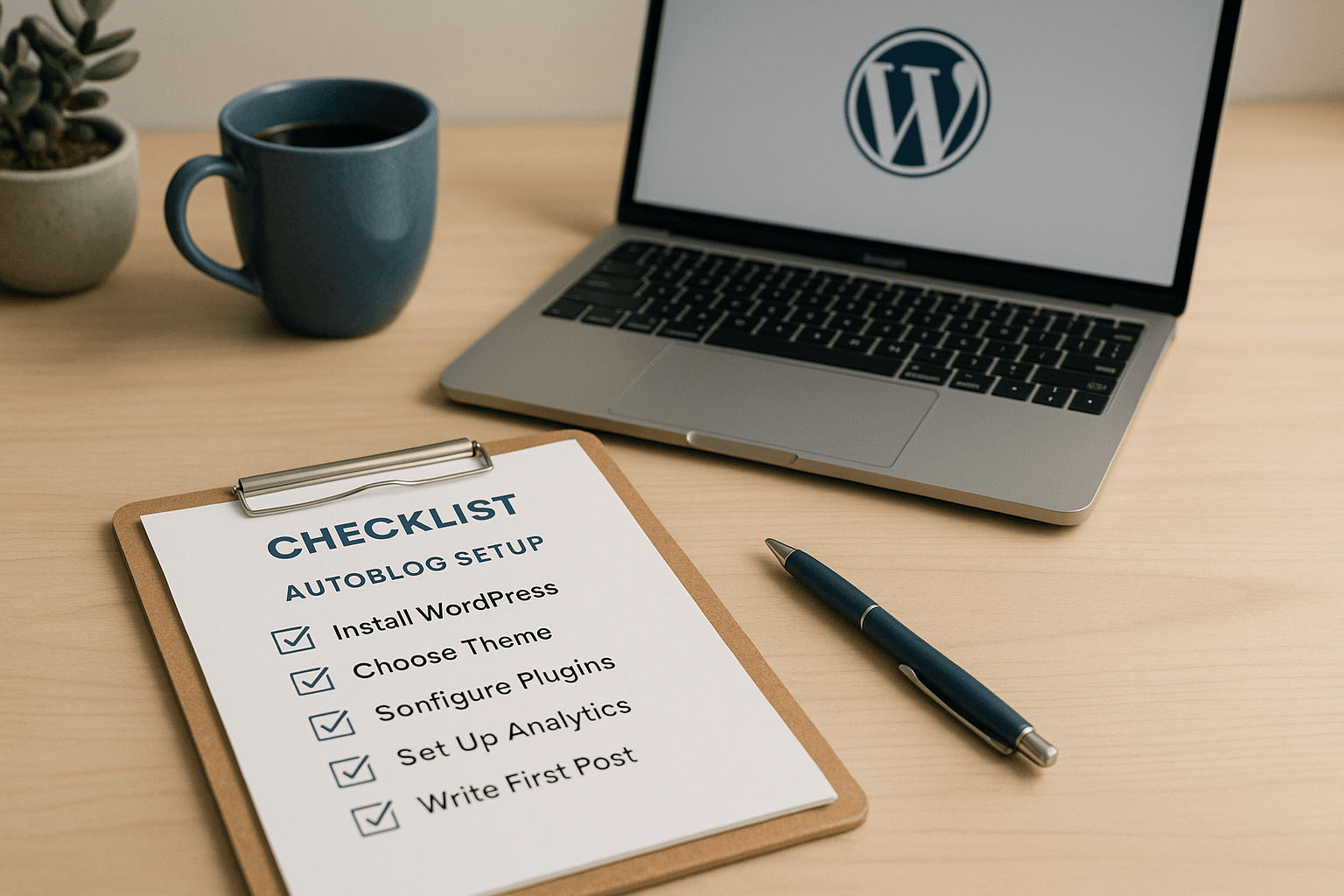
If you’re starting from an empty WordPress install, the first autoblog mistake is usually the same: people chase content before the plumbing is ready. The smarter move is to treat the autoblog setup checklist like a launch sequence — permalinks, theme, categories, feeds, publishing rules, and then the first scheduled post.
In this article
- What the autoblog setup checklist actually covers before the first post goes live
- Why an empty WordPress install matters more than people think
- The WordPress settings that should be fixed before scheduling anything
- Theme, layout, and the first impression problem
- The autoblog setup checklist for categories and tags
- What content source rules need to be in place first?
- The first scheduled post should be treated like a test
- The autoblog setup checklist for internal links and schema
- Scheduling rules that keep automation from overrunning your site
- The autoblog setup checklist for images and media
- When the first post should stay in draft
- What to verify after scheduling but before scaling
That’s the real job: get from a blank dashboard to a post that publishes on schedule without breaking your site, your taxonomy, or your sanity.
What the autoblog setup checklist actually covers before the first post goes live
This isn’t a “install plugin, click generate, profit” situation. The autoblog setup checklist is about making sure WordPress can accept automated content without turning the site into a cleanup project. Skip the basics, and automation just makes the bad parts happen faster.
Start with core WordPress setup: SSL active, a proper permalink structure, timezone set correctly, and admin roles tightened up so random accounts can’t start publishing garbage. If the site is brand new, confirm that the domain resolves correctly, the WordPress install is clean, and nothing old is hiding in the media library or sample posts. That sounds dull because it is dull. It also saves you from dumb problems later.
The publishing decisions matter just as much. Decide now whether new posts land as published or draft, who owns the author name, how categories are assigned, whether tags are allowed at all, and what happens with featured images and comments. Tools like MrNiche Autoblogger Pro handle a lot of this automatically, but you still need to decide the rules first. Software can queue content; it can’t tell you whether your site should look like a curated publication or a feed dump.
Why an empty WordPress install matters more than people think
An empty install looks harmless because there’s nothing to break. That’s exactly why people get sloppy. The defaults are where automation exposes weak decisions: ugly URLs, no editorial guardrails, bad archive templates, and a theme that looks fine on a static brochure site but falls apart when it has to display dozens of posts across multiple categories.
The first scheduled post also reveals whether your site is meant to be a real publishing project or just a content machine with a logo slapped on top. Search engines are very good at noticing when a site has no structure beyond “more articles.” Visitors notice too, usually by bouncing before the page finishes loading.
I think the obsession with “publish everything automatically” gets overrated here; on a fresh WordPress install, restraint usually beats volume.
If you want the site to age well, the empty install is your one clean shot at setting standards. Once automated posts start landing, every bad decision gets multiplied. That’s fine if you enjoy future work. Most people don’t. WordPress Autoblogging in 2026:… covers this in more depth.
The WordPress settings that should be fixed before scheduling anything
Start with the boring admin settings because they are the ones that quietly ruin automation. Set permalinks to something sane. Confirm the site title and tagline. Check the timezone twice if your host is in another region, because scheduled publishing off by a few hours looks amateurish fast. If you’re using a staging site first, make sure it’s not accidentally indexable.
Reading settings deserve attention too. If you want a blog-style autoblog, latest posts on the homepage makes sense. If you’re building a niche site with a static home page and category archives doing the heavy lifting, choose that before the content starts arriving. Changing this later is possible, of course. It’s also exactly the kind of annoying task that gets postponed until after three dozen posts are already live.
If you run Yoast SEO, Rank Math, or AIOSEO, this is where you decide how automated posts should be handled from an indexing standpoint. Sometimes immediate indexation is fine. Sometimes a draft-first review workflow makes more sense. The wrong default here can put thin content into search before you’ve even checked whether it reads like a human touched it.
Theme, layout, and the first impression problem
A technically correct autoblog can still look cheap enough to scare off visitors. That matters more than people like to admit. A lightweight theme with clean archive pages and readable post templates does more for an automated site than a flashy homepage ever will. Astra, GeneratePress, and Kadence are common choices for a reason: they stay out of the way while you build the content system. There’s a fuller breakdown of this in Why AI Content Automation….
If you plan to use Elementor or another page builder, make that call before the first scheduled post. Don’t publish twenty articles on a simple theme and then decide you want a fully custom template system later. That road ends with template fixes, widget rewiring, and more time in the editor than anyone wanted.
Also check how your theme handles archives, featured images, excerpt lengths, and related posts blocks. Automated publishing tends to amplify whatever your theme already does badly. If category pages are ugly now, they’ll still be ugly after thirty posts. They’ll just be uglier in bulk.
The author box will not save a broken archive page.
The autoblog setup checklist for categories and tags
Taxonomy is where autoblogs quietly go bad. A site with twelve near-identical categories and a shower of tags on every post looks organized for about five minutes. Then it turns into a duplicate-content mess with weak internal structure and archive pages nobody wants.
Keep the category tree shallow. A small number of clear categories usually beats a sprawling taxonomy that nobody maintains. Use tags only if they add real navigation value on your site; otherwise they become decorative clutter with an SEO costume on.
This is one area where restraint wins. If a category doesn’t deserve its own archive page yet, it probably doesn’t deserve to exist yet. That sounds harsh because it is harsh. It’s also cheaper than fixing a junk taxonomy later when Google has already crawled half of it.
What content source rules need to be in place first?
Before the first scheduled post goes live, decide where content comes from and what happens when it enters WordPress. RSS feeds, AI generation, curated imports, and mixed workflows each need different controls. If you don’t set those controls now, the site will happily accept whatever comes down the pipe.
If you’re using ChatGPT or Claude for generation, or tools such as Surfer SEO, Frase, Jasper, GetGenie, Bertha AI, or AI Engine for assistance, the important question isn’t which one sounds smarter in a sales page. It’s whether your output gets checked for structure, duplication risk, accuracy, and fit with the rest of the site.
That distinction matters in practice because automation scales both good habits and bad ones. A clean source with decent prompts can save time. A noisy feed or lazy prompt just gives you faster junk.
Source quality and duplication control
Not every feed deserves to be imported. Not every prompt deserves to be published. If the source material is scraped-looking, repetitive, or obviously copied from ten other sites in slightly different wording, automation will magnify the damage instead of solving it.
You also need to decide how near-duplicates are handled before publishing starts. If two titles are really just different versions of the same topic, one of them should wait or be dropped. That kind of control matters on niche sites where internal cannibalization becomes obvious quickly.
Draft-first workflows versus auto-publish
Draft-first workflows are slower, but they’re useful when the site is new or when the topic area carries real reputation risk. Affiliate sites in health, finance, legal, or home safety do not get much benefit from letting questionable drafts hit live pages immediately.
Auto-publish can work once your source rules are mature and your post templates are stable. Until then, draft-first is usually the safer tradeoff. Nobody gets points for publishing fifty mediocre posts before lunch.
The first scheduled post should be treated like a test
The first scheduled post isn’t your launch-day hero moment. It’s a test case. One article. One category. One featured image. One schedule slot. Watch every step from generation or import through publication, then inspect the live URL like you expect it to misbehave.
Check title formatting, excerpt length, slug structure, heading hierarchy, image placement, author name, internal links, and whether the post appears on the front end and any relevant archive page. If Yoast SEO or Rank Math is installed, make sure the meta title and description fields are actually populated instead of left blank or filled with nonsense. This is also where bad timezone settings show up in public.
If something looks off in the first post, fix that before scaling up. A bad first scheduled post usually means there are three more hidden issues behind it.
The autoblog setup checklist for internal links and schema
Internal linking should be decided early because automated sites get messy fast without it. A bunch of standalone posts with no contextual links behaves like an archive of orphaned articles, which is terrible for crawl paths and user flow alike. Your content needs some connective tissue or it becomes digital luggage scattered across categories.
If your tool supports automatic internal links, check how aggressive it is before trusting it broadly. Enough to connect related posts is fine. Turning every paragraph into an anchor-text parade isn’t. JSON-LD schema matters too. Article schema and FAQPage schema should come through wp_head, not sit inside post content where a filter or theme change can strip it out later.
This is the kind of detail people ignore until search snippets look bland or structured data disappears after a theme tweak. Then suddenly everyone remembers schema exists. (More on this in Best AI WordPress Plugins….)
Scheduling rules that keep automation from overrunning your site
If you queue everything at once, WordPress will happily let you create a content burst that looks like panic posting from across town. Cap how many scheduled posts land on any single day. On larger batch runs, that matters even more than people expect because distribution affects how the site feels to both users and crawlers.
A background queue helps too. On shared hosting especially, pushing articles one at a time through WP-Cron avoids PHP timeout drama and half-finished posts hanging around in limbo. Publishing cadence should feel deliberate even when the input queue was built in one sitting with too much coffee.
If budget control matters, set a daily spend cap so generation pauses cleanly instead of trying to brute-force its way through until midnight while costs climb in the background. That kind of control is boring in exactly the right way.
The autoblog setup checklist for images and media
Featured images change how an autoblog feels immediately. A post without one often looks abandoned even if the copy is fine. Decide where images come from before you automate anything else: OpenAI gpt-image models if you want generated visuals saved straight into Media Library, Unsplash if you want real photography without extra fuss, or another provider if your niche has stronger visual needs.
The important part is consistency. Random image styles make archives look sloppy fast. If you use DALL·E 3-era workflows elsewhere in your stack, remember that OpenAI retired DALL·E 2/3 from the API on May 12, 2026; newer gpt-image models replaced them in supported tools that stayed current. Old model IDs have a way of becoming dead weight exactly when you stop thinking about them.
If your posts depend on social previews or category pages with visual grids, test image sizing before moving past single-post validation. An image that looks fine inside one article can still break your archive layout like it has a personal grudge against spacing.
When the first post should stay in draft
There are plenty of cases where auto-publishing right away is a bad call. New sites in competitive niches need review time. Affiliate comparison sites need accuracy checks because bad product claims age terribly. Anything near health or finance deserves extra caution, even if the content generator sounds confident enough to sell insurance over lunch.
This is where publish mode turns into editorial policy instead of a technical setting. Draft-first gives you time to catch weak headings, awkward phrasing, duplicate sections, broken links, and overconfident claims before they become indexed mistakes.
If your workflow eventually earns hands-off publishing, fine. Get there first.
What to verify after scheduling but before scaling
After one successful test post, check the surrounding system instead of assuming everything else will behave just as nicely. Make sure scheduled timestamps land where you expect across your timezone setup and host environment. Confirm category archives display correctly on mobile and desktop. Check that comments are either enabled on purpose or turned off on purpose instead of left in whatever state WordPress picked during install.
If you’re using webhook integrations for Slack, Trello, Make, Zapier, or Google Sheets-based logging, verify that each publish event fires once and only once. Duplicated signals are annoying when you’re experimenting and worse when they become part of your reporting stack.
This is also a good point to check any quality gate behavior in your stack if your tool has one; articles that come out broken should fall back to draft rather than publish anyway. A system that admits its own weak output is worth more than one that auto-posts everything with enthusiasm and zero judgment.
Your best next move this week is simple: build one clean test path from empty WordPress install to a single scheduled post in draft-first mode, then inspect every step before you queue anything else under the autoblog setup checklist.